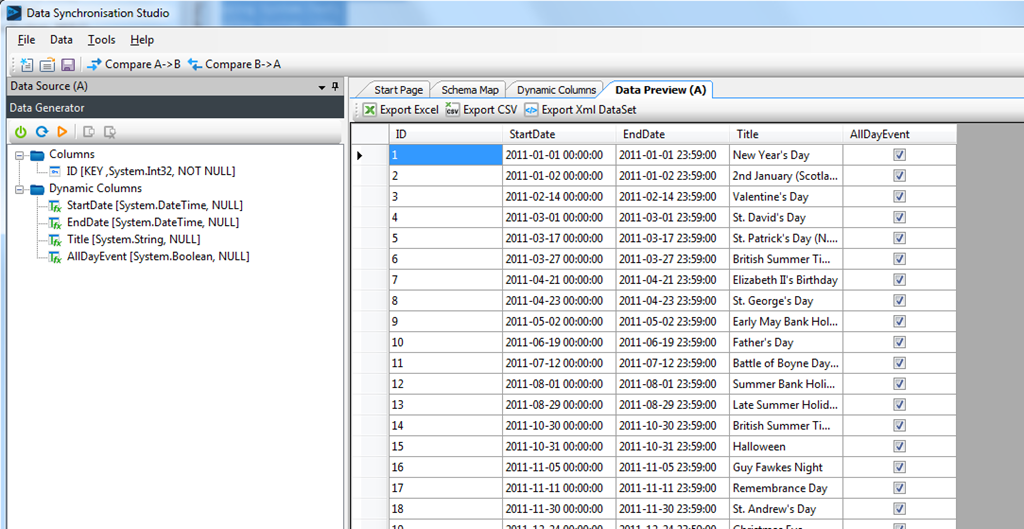
Using Data Generator to get Public Holidays
You can find several public holiday feeds on the internet such as this one here http://ical.mac.com/ical/UK32Holidays.ics
Now with the Data Generator Data Provider in Data Synchronisation Studio 2012 and Dynamic Columns it’s easy to turn this into a Data Source.
The first step is to connect Data Source A to the Data Generator.
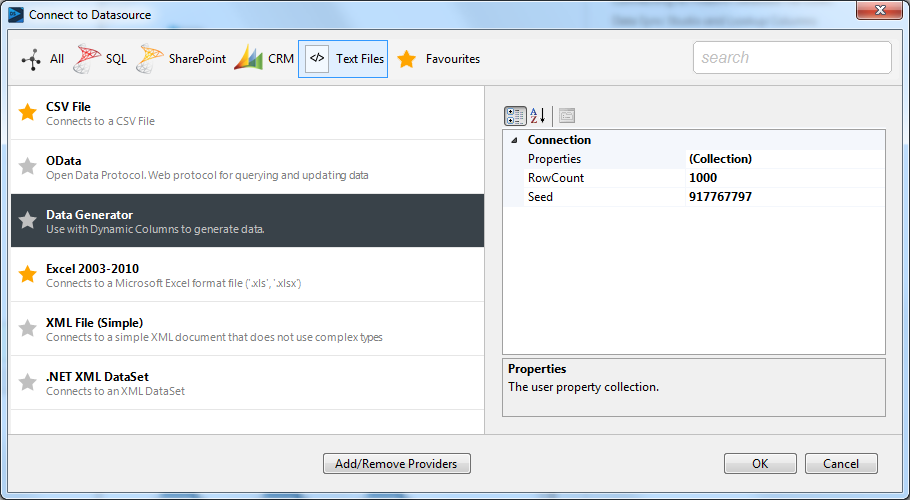
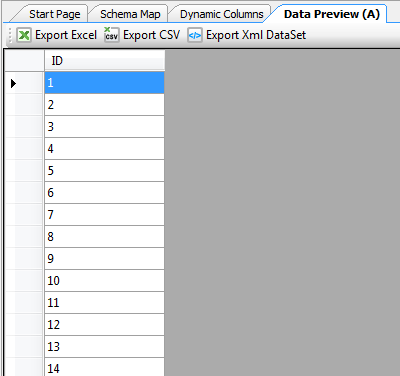
The Data Generator simply returns a number between 1 and the number you set in the properties.
All the magic happens in the Dynamic Column code where we override the Setup() method and load the Data from the holiday service into a List of Events. Then for each Row Data Sync calls BeginRow() and we simply return whether there are any more events and return the calendar data as properties of the Row.
#region Usings
using System;
using System.Collections.Generic;
using System.Data;
using System.Globalization;
using System.Text;
using System.Linq;
using System.IO;
#endregion

class DataSourceRowOverride : Simego.DataSync.DynamicColumns.DataSourceRowInternal //Do Not Change This Line
{
    private List<dynamic< Events = new List<dynamic<();

    public DateTime StartDate { get { return Events[ID-1].Date; } }
    public DateTime EndDate { get { return StartDate.Add(new TimeSpan(23, 59, 0)); } }
    public string Title { get { return Events[ID-1].Title; } }
    public bool AllDayEvent { get { return true; } }

    public override bool BeginRow()
    {
        return ID <= Events.Count; // return false to remove row from results.
    }

    public override void Setup()
    {
        var request = System.Net.HttpWebRequest.Create("http://ical.mac.com/ical/UK32Holidays.ics");

        using(var reader = new StreamReader(request.GetResponse().GetResponseStream()))
        {
            DateTime date = DateTime.MinValue;
            string title = null;
            string line = null;

            while((line = reader.ReadLine()) != null)
            {
                if ( line.StartsWith("DTSTART") )
                    date = DateTime.ParseExact(line.Substring(19), "yyyyMMdd", CultureInfo.CurrentCulture);

                if ( line.StartsWith("SUMMARY:") )
                    title = line.Substring(8);

                if ( line.StartsWith("END:VEVENT") )
                    Events.Add(new { Date = date, Title = title });
            }

            //Order the Events by Date
            Events = Events.OrderBy(p =< p.Date).ToList();
        }
    }
}
And there you have it, Calendar entries from a Public Calendar feed that you can import right into a SharePoint List.